What your bots can do
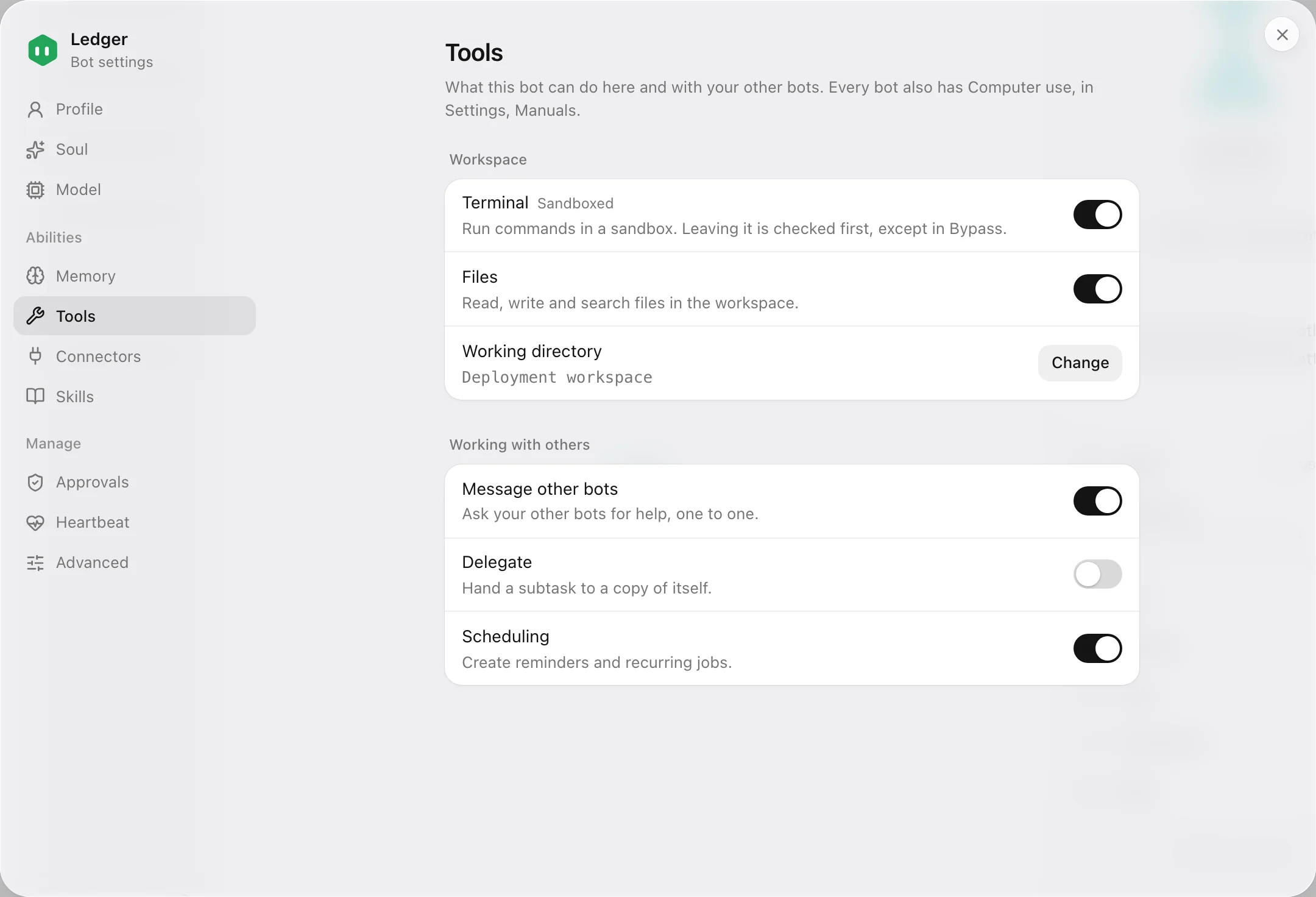
Each bot runs on the machine you install Hexbot on, with real tools. Switch them per bot in Bot settings, Tools, and choose which bots get each plugin in Settings, Plugins.
On your computer
On by default, no account needed. Each bot works in its own folder on the machine running Hexbot.
- Terminal
- Run shell commands and long-running processes.Risky commands ask first in Manual mode
- Files
- Read, write, edit, and search files.
- Computer use
- Work on the bots' own Linux computer: run code, browse in Chrome, click and type in its apps. Watch it live and use it with them.Every bot has it. Needs Cua and Docker
- Vision
- Look at images and screenshots you attach.Needs a model that can see
- Voice
- Speak replies aloud with the built-in voice.
Working together
What makes a crew more than several chats side by side.
- Rooms
- Share one chat with people and several bots. Mention a bot to bring it in.
- Heartbeat
- Work through a checklist every 30 minutes and write only when something needs you.Reads only; an empty checklist runs nothing
- Visuals
- Draw a chart, table, diagram, or mockup above its reply, live and clickable.In a bot's chat, not in rooms
- Message other bots
- Ask the right teammate for help in a private conversation you can open.
- Scheduling
- Set reminders and recurring jobs that run while you are away.
- Look after other bots
- Create, change, and delete bots, rooms, and jobs, and change settings, from its chat.Primary bot only; always asks before deleting or changing settings
- Delegate
- Hand a subtask to a copy of itself and carry on.
- Clarifying questions
- Ask you a question with choices instead of guessing.
- To-do lists
- Plan a longer job in steps and tick them off.
Memory and self
Always on. This is how a bot stays the same bot from one week to the next.
- Memory
- Keep short, dated facts about you, your work, and how you like things done.
- Daily notes
- Jot down what happened at a natural pause, filed by day, for its dream to sort.
- Soul
- Rewrite its own persona when you ask it to change, and tell you it did.
- About you
- Read the one text you write about yourself, shared by all your bots.
- Search past chats
- Find what was said in earlier conversations.
- Skills
- Follow saved playbooks, and write new ones from work that went well.
- Dreaming
- Once a day, fold its notes and conversations into memory.
Plugins
Opt in, with your own account. Set one up once in Settings, Plugins, then choose the bots that get it.
- Web search
- Search the web and read pages.Free out of the box with SearXNG, which Hexbot runs for you, or Tavily, Wikipedia or Marginalia. Exa, Brave, Firecrawl, Parallel and Keenable with your key
- Notion
- Read and write pages and databases.
- X search
- Search posts and profiles.Sign in with SuperGrok or X Premium+, or use an xAI key or the X API
- MCP servers
- Connect any MCP server, local or remote. A bot can find one and ask you to install it.Installing always asks, even in Bypass
- Plugin packages
- Install an MCP server with the skills that explain it, or a set of skills, as one.
Any model you already pay for
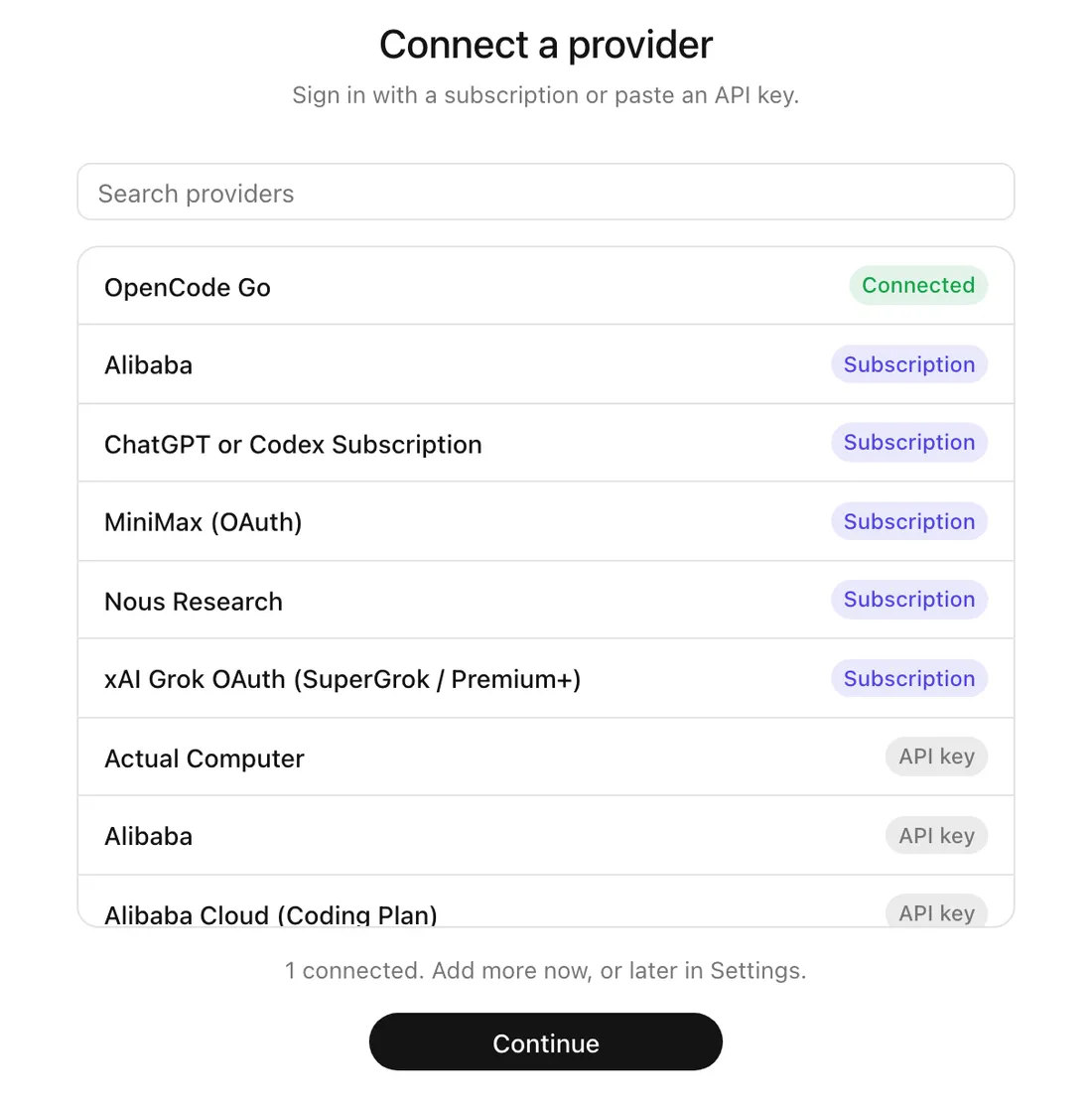
More than 50 model providers. Sign in with a ChatGPT, SuperGrok, or Nous Portal subscription, or paste an API key for Anthropic, OpenAI, Google, xAI, OpenRouter, DeepSeek, and the rest. Run local models through Ollama or LM Studio.
Each bot picks its own model and how hard it thinks, from Off to Max, and a fallback model takes over when a provider is down. Providers and billing
You decide what runs
Auto
The default. Bots work freely in the workspace. Commands run without internet access; a step outside the workspace is checked by the bot's model, and only risky ones ask first. That check is a judgment, not a sandbox.
Manual
Ask before every file change and code run. Commands run read-only, without internet access.
Bypass
Never ask and use no sandbox. Bots can read and change anything on this computer.
Set it for the whole install, then override it per bot. Approvals